Industrial Chic: Revamping a Warehouse Space into a Stylish Loft Office
Transforming a vast warehouse space into a stylish loft office to inspire creativity and promote collaboration
Category: Commercial
Sofa Design: Bartolomeo Carrol
Staging: Marina Norbert
Photography: Jeannie Kidist

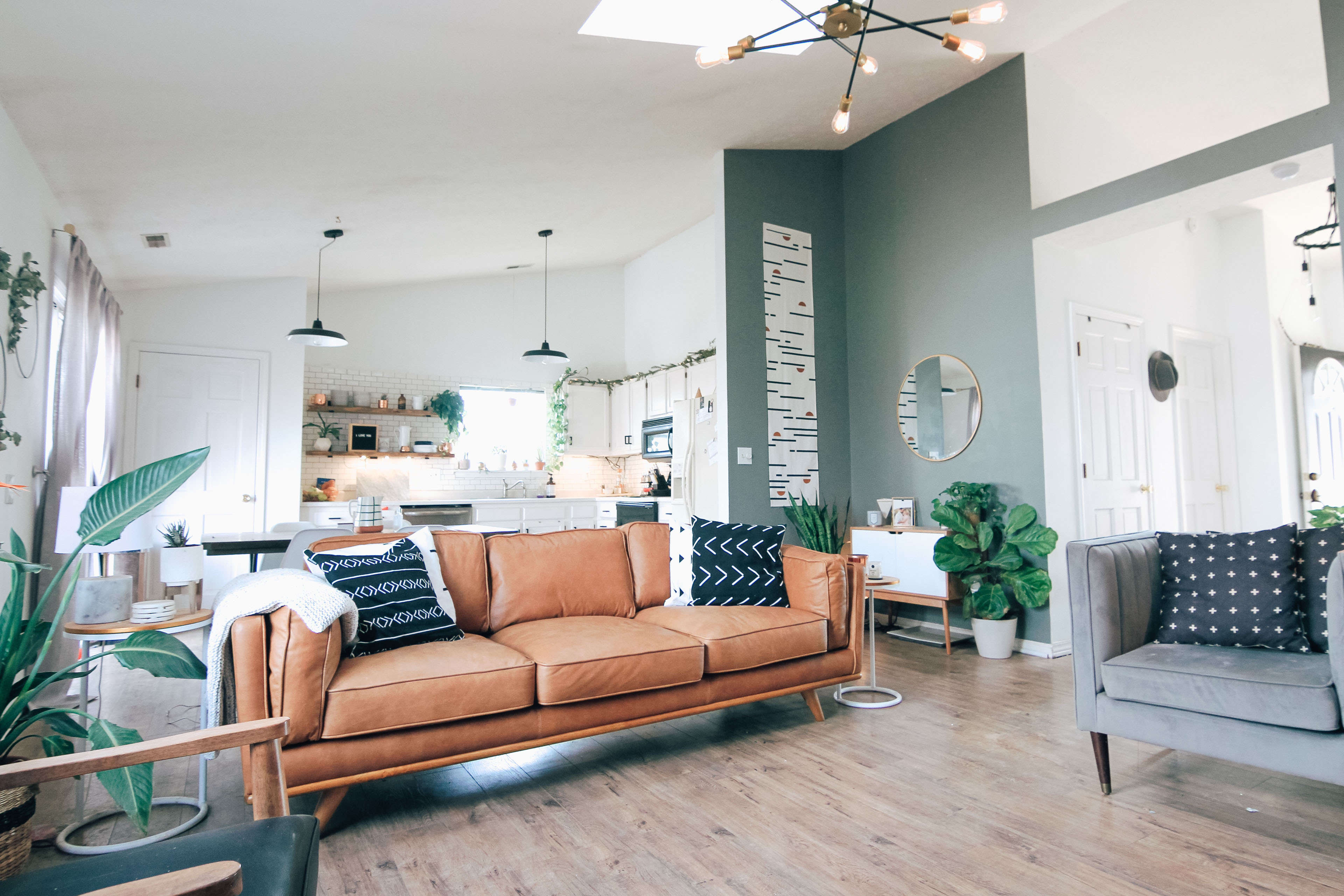

The design concept centered around embracing the industrial character of the space while infusing it with contemporary elements. We reimagined the raw concrete walls and exposed ductwork as design features, highlighting their inherent beauty. To enhance natural light and create an open atmosphere, large windows were installed, allowing the space to be flooded with daylight.

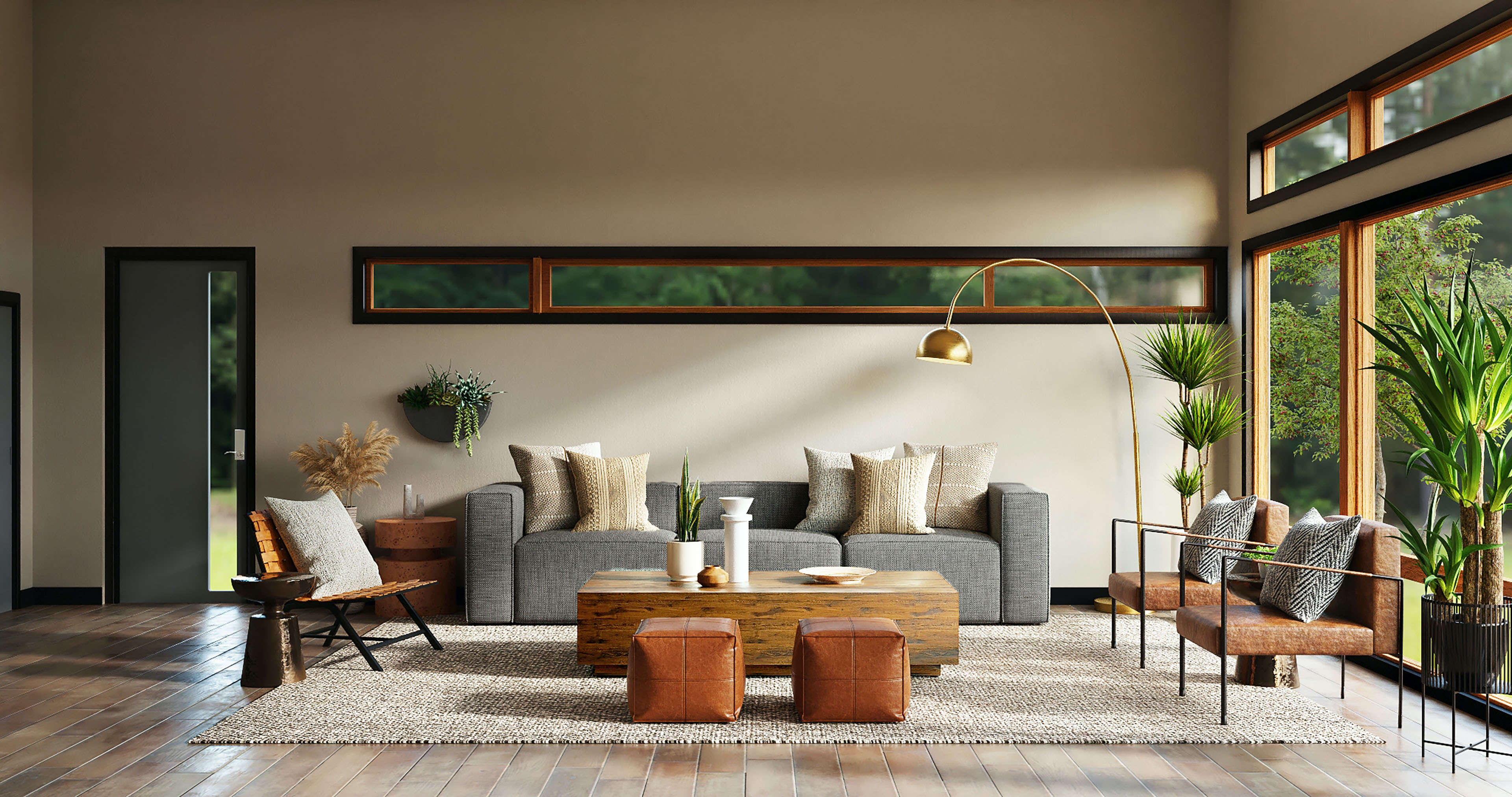
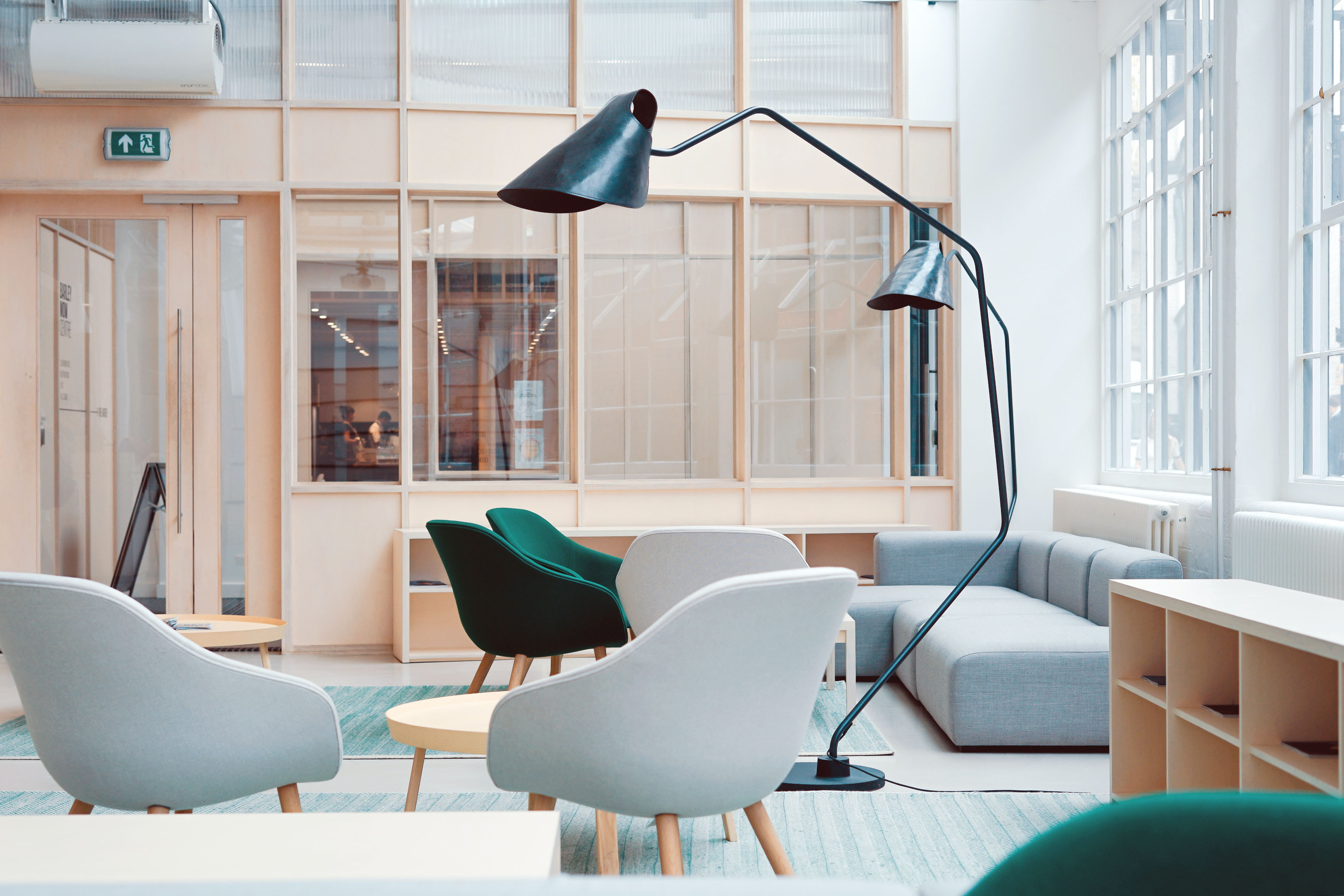
Upon completion, the transformed warehouse space became a striking and functional loft office that aligned perfectly with Creative Agency Solutions' vision. The project received high praise from the client, with employees expressing enthusiasm about the inspiring environment that encouraged collaboration and innovation.
Interested in Working Together?
Get In Touch Today
Personal Portfolio
This template is made with Webstudio!
This template is made with Webstudio!

Scroll Down
Intersection Trigger
Animations play when the instance enters the viewport, running from start to finish. On each box there is an attribute data-ani and the value is whatever is in the animated box. By default, their animation plays once, but that can be customized (see docs).
fade
slide-up
slide-down
slide-left
Medium length banner heading with link goes here
slide-right
zoom
flip-y
flip-x
expand
Progress Trigger
Animations progress as the instance moves through the viewport. On each box there is an attribute data-ani-progress and the value is whatever is in the animated box. By default, their animation plays every time, but that can be customized (see docs).
fade
slide-up
slide-down
slide-left
slide-right
zoom
flip-y
flip-x
Radix State Trigger
All animation effects are compatible with Radix Components, which have various states such as active/inactive or open/closed. The animations automatically target these states, allowing you to use data-ani like any other component. See docs for information on which instance to apply the attributes to.
Apply An Animation To All Children
To animate all children within a parent instance, instead of applying data-ani to each child, apply the animation to the parent instance and add data-ani-children="true". This applies the animation to each direct child rather than the parent itself. (see docs).